iOS 27 is rolling out: what AI builders should know about Apple’s on-device push
Published by AINave Editorial • Reviewed by Ramit
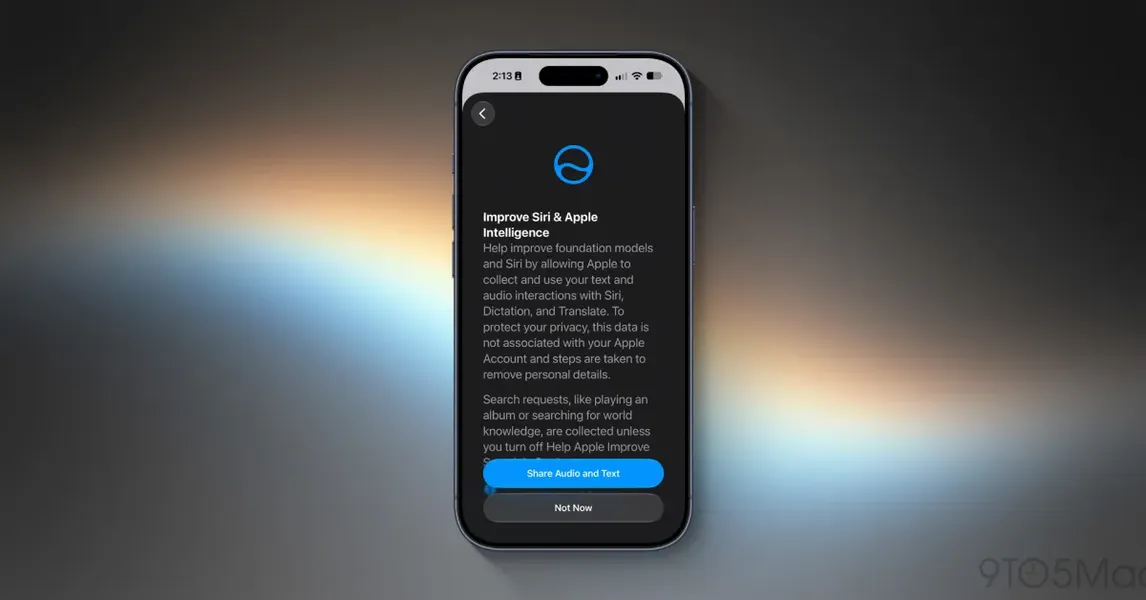
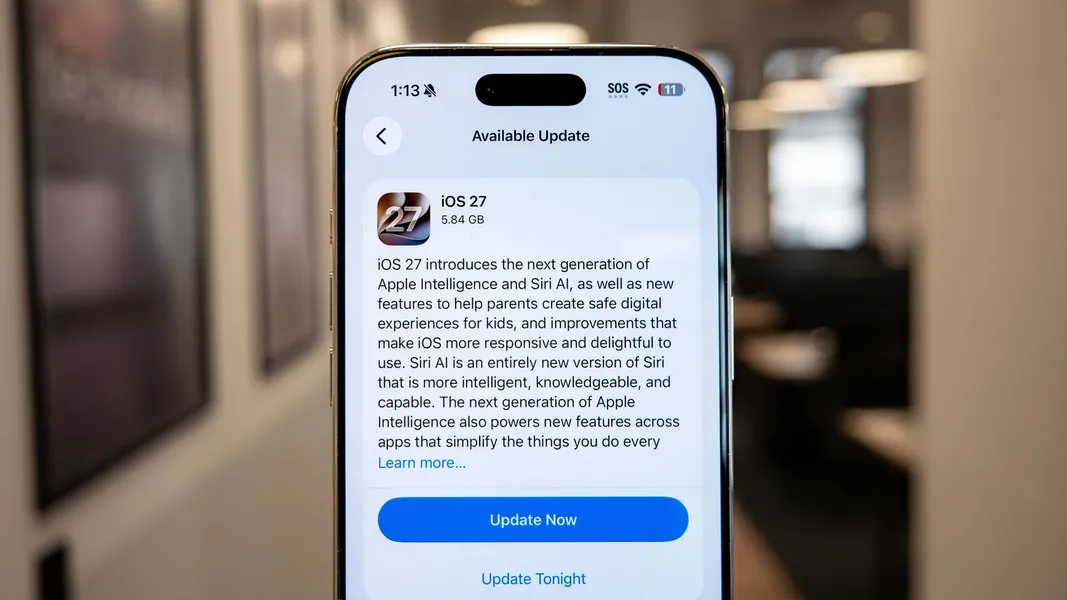
Apple has started rolling out iOS 27 to supported iPhone models, bringing a significantly more capable Siri AI, generative photo editing with Reframe, an updated CarPlay experience, and performance improvements. For AI builders, the release is worth watching as a practical example of how Apple is pushing on-device AI deeper into the operating system read the original.
What iOS 27 includes
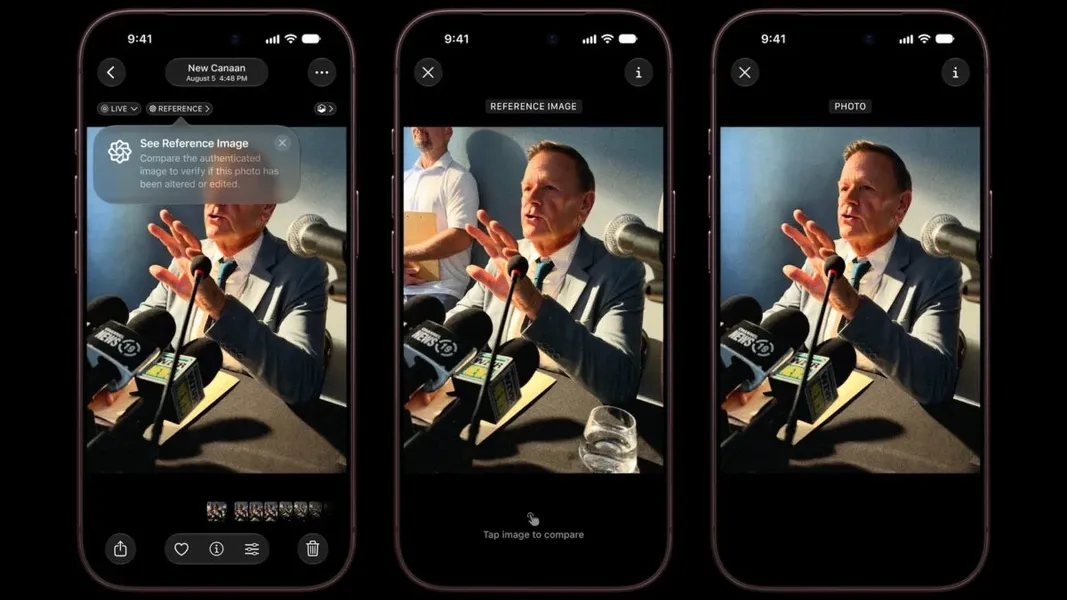
The update adds generative AI photo editing through a new Reframe tool, the ability to create custom passes in Wallet, smoother animations, and a redesigned CarPlay interface that integrates Siri AI for in-car interactions. The Siri AI assistant itself has been upgraded, and a dedicated Siri AI app lets you view previous inquiries more context.
On-device AI and device tier limits
Only newer devices have the processing power to run the full Siri AI suite, according to Tom's Guide. If you are building an AI-powered iOS app that relies on Siri integration or on-device inference, you need to account for this fragmentation. Older but still supported models will see the general UI and performance improvements but miss the headline AI features. This device-level segmentation is a reminder that Apple treats on-device AI as a premium feature gated by hardware capability additional details.
How to get it
Installing iOS 27 follows the standard OTA path: Settings > General > Software Update, then tap Update Now. The phone will restart during the process. Users who ran the beta should see the final version as an available upgrade instructions. An alternative method using IPSW files is not covered in the primary source, but other outlets document that route reference.
Caveats for builders
The coverage available is consumer-oriented and does not include independent AI performance benchmarks, model details, or API-level changes. Claims about Siri AI capabilities come from Apple's press materials and Tom's Guide's editorial description. No information is provided on Core ML updates, model sizes, latency, or on-device inference limits. If you are evaluating iOS 27 for a product that depends on Apple's AI stack, plan to test on the actual target hardware tiers to confirm baseline performance.
Sources
- iOS 27 is live — here's how to download and install it now
- How to download and install iOS 27 - tech.sportskeeda.com
- iOS 27 Released for iPhone & iPad, Here’s How to Install the ...
- iOS 27 Is Live. Here Are the Best New iPhone Features and How ...
- How to Install iOS 27 on Your iPhone Right Now - ithinkdiff.com
- iOS 27 is coming. Here are the best new iPhone features and how to get the beta today
- iOS 27 public beta is out; how to install it on your iPhone and what's new
- Apple iOS 27 is almost here: When you can download it
- Public betas of iOS 27, macOS 27 Golden Gate, and watchOS 27 are live: How to install
- iOS 27 Public Beta is Released: Full Installation Walkthrough
- How To Install iOS 27 And iPadOS 27 Final Versions On iPhone ...
- Apple iOS 27 Release Date: How To Download 1st iPhone Public Beta — Starting Now
- iOS 27 public beta is out; how to install it on your iPhone and what's new
- Apple releases iOS 27 public beta: Here's how to install it on your iPhone
- iOS 27 release date, full list of eligible iPhones, new features, upgrades, how to download and install