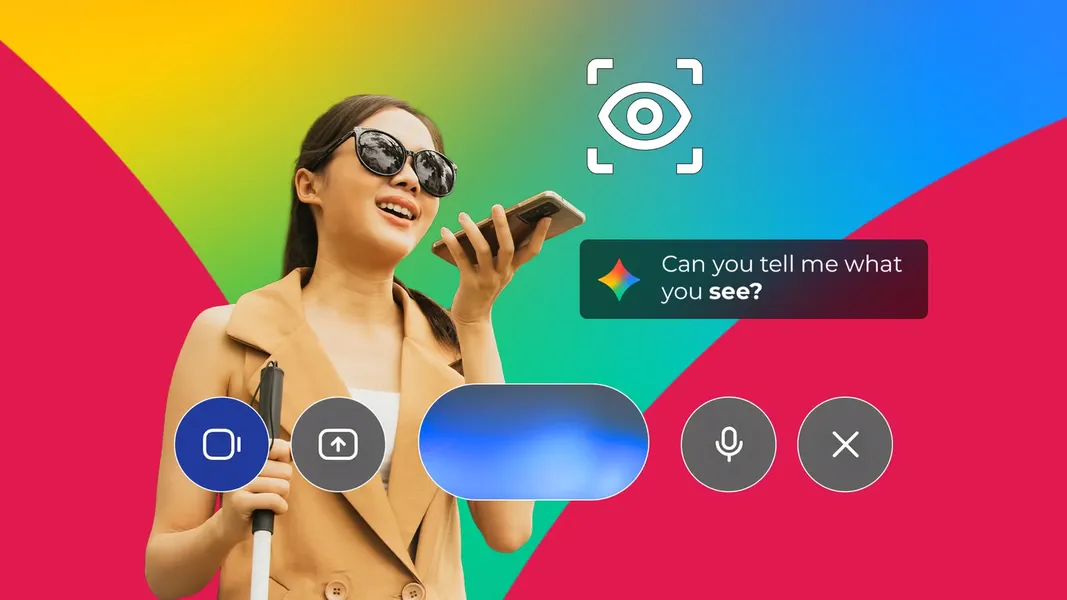
Gemini Guided Vision brings live camera help to Android
Published by AINave Editorial
Gemini Guided Vision turns Gemini Live’s camera feed into a back-and-forth accessibility tool: blind and low-vision users can ask about something in front of them, hear spoken directions and get prompts to adjust the camera when it is pointed poorly. Google is gradually rolling it out as part of the September 2026 Android Drop, and the reported phone requirements are more modest than those of some other new Android features.
It can help find the view, not just describe it
The distinction from a one-shot image description is practical. If someone is looking for a particular jar on a crowded spice rack, Guided Vision can respond to the live feed and suggest moving or panning the phone when the jar or its label is out of frame. Users can then ask follow-up questions, keeping the task in a conversation rather than restarting with each photo.
The feature can be launched from the TalkBack menu or Android accessibility shortcuts, according to Android Police’s account. That access route matters because it makes camera assistance available through Android’s accessibility tools, rather than requiring users to navigate to a separate camera mode first.
The article reports that Guided Vision works on phones able to run the Gemini app: Android 9 or newer with at least 2GB of RAM. That is a broad stated compatibility range, not a guarantee of immediate access: Google’s rollout is gradual. The distinction is important for a feature whose usefulness depends on both the software being available and people being able to launch it in their existing setup.
A conversational middle ground, with a firm safety boundary
The comparison with other visual-assistance tools is about interaction style, not a complete feature audit. Android Police describes Lookout as organized around task modes, with Gemini-assisted descriptions and follow-up questions working on one captured image at a time. Be My Eyes offers a live video connection to sighted volunteers, while Be My AI can describe photos. Guided Vision instead puts a continuing AI conversation around a live phone camera view, as the article’s comparison explains.
That conversational format may help with locating and examining everyday items, but it does not make the system safe for every visual task. Google warns that Guided Vision can make mistakes; it is not a mobility aid and is not intended for navigation or real-time obstacle detection. A tool that can help locate a label should not be treated as one that can judge whether a staircase is clear or a crosswalk is safe. The meaningful promise here is narrower: assistance with understanding a camera view, without claiming to replace the systems people rely on to travel safely.