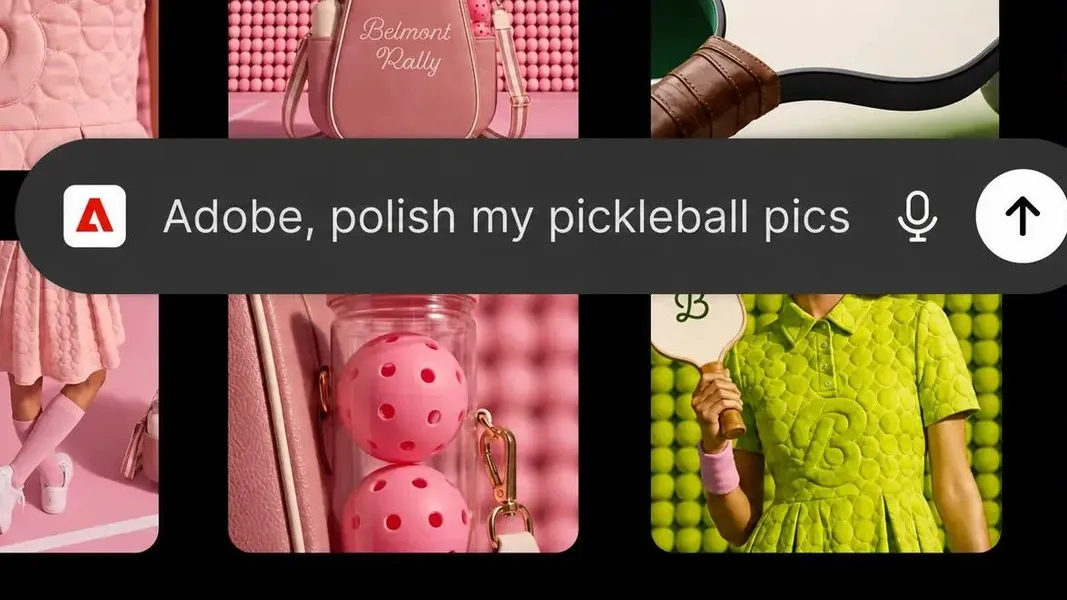
Adobe ChatGPT plugin unifies 70+ tools in one @Adobe command - what builders should know
Published by AINave Editorial • Reviewed by Ramit
Adobe's new ChatGPT plugin consolidates access to over 70 tools from Photoshop, Premiere, Firefly, and more into a single @Adobe command. For builders, this means you can generate assets, edit images, and process documents without leaving the chat interface. But the trade-off is control: Adobe itself recommends native apps for pixel-level precision.
What the unified plugin actually does
The plugin replaces the earlier decentralized Adobe integrations (Photoshop, Express, and Acrobat were available since December 2025) with a single entry point. Type @Adobe in ChatGPT, describe your task, and the plugin automatically routes to the appropriate tool or combination of tools behind the scenes. Adobe lists 70+ tools including Photoshop, Adobe Express, Acrobat, Firefly, Premiere, Lightroom, Illustrator, InDesign, and Adobe Stock. You don't need a Creative Cloud subscription; guest access is available.
Why this matters for AI builders and product teams
For teams building AI-assisted design pipelines or content workflows, this plugin reduces context-switching. Instead of jumping between ChatGPT and separate Adobe apps for basic edits, you can stay in the chat. Practical edge cases include generating event badges from a spreadsheet, creating social video clips from longer footage, or assembling quick mood boards before a client call. These are tasks where "good enough" output saves 15 minutes of menu navigation.
But the plugin is not designed for finished work. Adobe's own messaging acknowledges that for advanced editing, creative control, or pixel-level precision, users should continue work in native Adobe apps. The plugin picks the tool for you, which means you lose the granular control of layers, masks, and undo history that professionals rely on.
Where the plugin falls short
The biggest limitation is the loss of control. Instead of selecting the exact tool and parameters, you type a sentence and hope the plugin routes correctly. For complex or precision work, this is more trouble than it's worth. Additionally, the plugin's ability to choose from 70+ tools may not always align with your intent. Availability may also vary by account type and timing, though Adobe has not detailed specific restrictions.
There are also unanswered questions about data handling when Adobe tools process content inside ChatGPT. No specific privacy policy changes have been quoted in the available sources, but any integration that sends creative assets through a third-party chat interface warrants scrutiny.
FAQs
Sources
- You can now plug Adobe straight into ChatGPT - but should you?
- ChatGPT can do more for you than ever - and I use... | Tom's Guide
- ChatGPT
- ChatGPT No Restrictions (Ultimate Guide for 2026) | God of Prompt
- GPT Image 2 (ChatGPT Images 2.0): Free Online, No Sign-up
- Adobe Brings Its Firefly AI Creative Agent Directly Into ChatGPT And Claude
- You can now plug Adobe straight into ChatGPT - but should you?
- ChatGPT + Adobe: What the Integration Can (and Can't) Do in 2026
- Introducing Adobe for ChatGPT: Create, edit and get work done ...
- Adobe Integration for ChatGPT
- Adobe Launches Free ChatGPT Plugin Routing Photoshop and ...
- Adobe’s new plug-in turns ChatGPT into a Canva rival with a magical twist
- Adobe is putting its entire creative ecosystem inside ChatGPT with one unified plugin
- Photo and Video Editing in ChatGPT Just Got an Adobe-Size Update
- “Adobe, polish my pics.” Adobe’s new ChatGPT plug-in gives the chatbot access to 70+ tools, including Photoshop and Lightroom favorites