ChatGPT mobile gets voice-based agentic features for Plus and Pro subscribers
Published by AINave Editorial • Reviewed by Ramit
OpenAI is rolling out voice-based agentic features to the ChatGPT mobile app, letting Plus and Pro subscribers trigger real work tasks by speaking. Instead of just answering questions, the app can now draft documents, write emails, and summarize Slack messages through the Work tab. Free and Go users get plugin access instead. The move extends the GPT-Live voice model from desktop to mobile and adds cross-device continuity: start a task on your phone, finish it on your laptop.
What changes for Plus and Pro subscribers
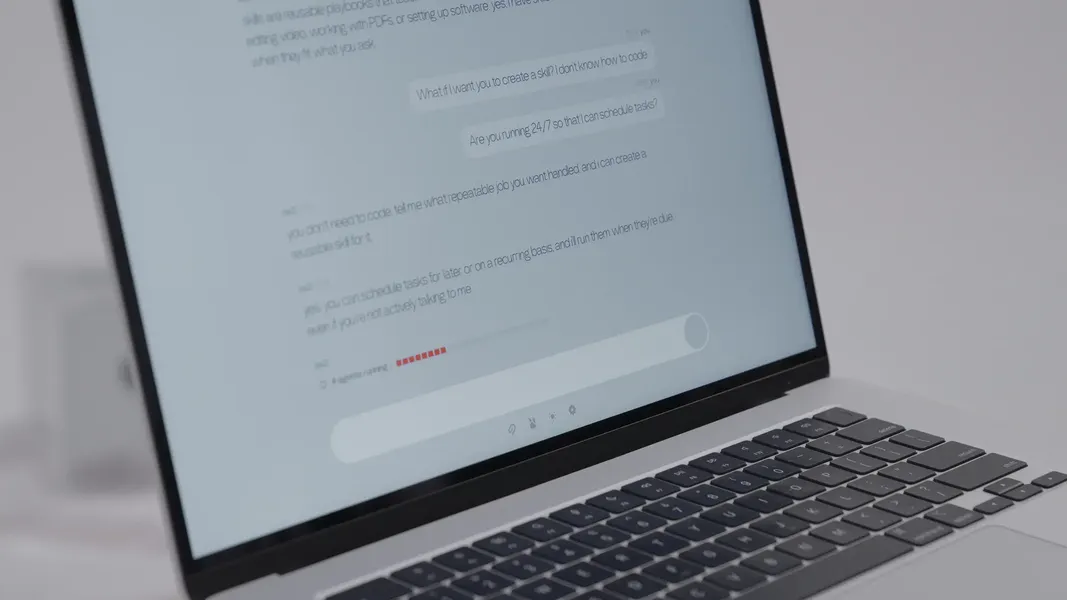
Plus and Pro users can open the Work tab on their phone and use voice commands to create documents, draft emails, or summarize Slack threads. The same Work tab on desktop already supported these tasks with GPT-Live voice control. Now the mobile app matches that capability. OpenAI says voice conversations will produce richer text output, and you can switch between text and voice mid-conversation. A conversation started on mobile can be resumed on desktop without losing context.
Free and Go users are not left out entirely. They get access to plugins and connected apps, though the Work tab remains behind the paywall. This tiered approach is a clear monetization signal: basic voice interaction is free, but agentic task execution requires a subscription.
Why this matters for AI builders
This release shows how agentic AI features are moving beyond the desktop. For product teams building AI copilots, the mobile voice workflow pattern is worth studying. Users can now initiate complex, multi-step tasks hands-free while away from a keyboard. The cross-device handoff means the assistant becomes a persistent workspace, not a single-session chat.
The subscription tier split also offers a playbook for staged feature rollouts. Plus and Pro users get the full agentic Work tab, while free users get a taste through plugins. If you are building a consumer AI product, this is a reference design for converting free users to paid by gating actionable workflows behind the subscription.
Practical implications for daily use
For individual contributors and small teams, the ability to dictate a document or summarize Slack messages while on the go is a real time-saver. The voice-to-text output is richer than standard dictation because it uses GPT-Live's conversational model, which can handle interruptions and full-duplex conversation. The desktop handoff means you can start a draft on your phone and polish it later on a larger screen.
One caveat: the feature is rolling out now and may not be available in all regions immediately. OpenAI has not published a detailed availability timeline. The exact set of supported actions within the Work tab may also expand over time.
What remains separate
OpenAI is keeping chat and workspace surfaces separate, unlike Anthropic which recently merged its Cowork and Chat interface. This means the Work tab is a distinct space for task execution, not a blended chat-and-work environment. For builders, this design choice reduces context confusion but adds a navigation step. It is worth watching whether OpenAI eventually merges these surfaces or keeps them distinct.
The rollout follows GPT-Live's July launch and builds on the desktop integration that brought voice control to Codex and the Work tab. Mobile voice agentic features complete the picture: users can now interact with ChatGPT's agentic capabilities from any device, using voice as the primary input.
FAQs
Sources
- ChatGPT mobile app gets voice-based agentic features
- ChatGPT mobile app gets voice-based agentic features · Issue #1078 · hanzhad/squelch-news-engine
- OpenAI Adds Agentic Voice Features to ChatGPT Mobile App | Whalesbook
- ChatGPT Mobile App Adds Voice-Based Agentic Features | إنت عربي
- ChatGPT can now handle work tasks by voice on your phone: Here’s what you can do - BusinessToday
- ChatGPT Voice Goes Full-Duplex: GPT-Live Ends Turn-Based AI Conversations
- How to use ChatGPT Work – and my top 10 tips for getting started with agentic AI
- OpenAI ChatGPT Overtakes Agentic Commerce As Davinci Powers Discovery
- OpenAI’s ChatGPT Superapp Is a Bid to Own Agentic Commerce: Apps Run on MCP, Checkout on Stripe
- Agentic coding goes hands-free as OpenAI brings GPT-Live's full duplex voice control to Codex and ChatGPT on the desktop
- ChatGPT mobile app gets voice-based agentic features
- ChatGPT Mobile App Enhances Functionality with Voice-Powered...
- OpenAI Brings Voice-Driven Agentic Workflows to ChatGPT Mobile...
- Voice-Based AI Comes to ChatGPT Mobile
- ChatGPT mobile app gets voice-based agentic features...