Wispr Flow Notetaker brings context-rich meeting notes to Mac
Published by AINave Editorial • Reviewed by Ramit
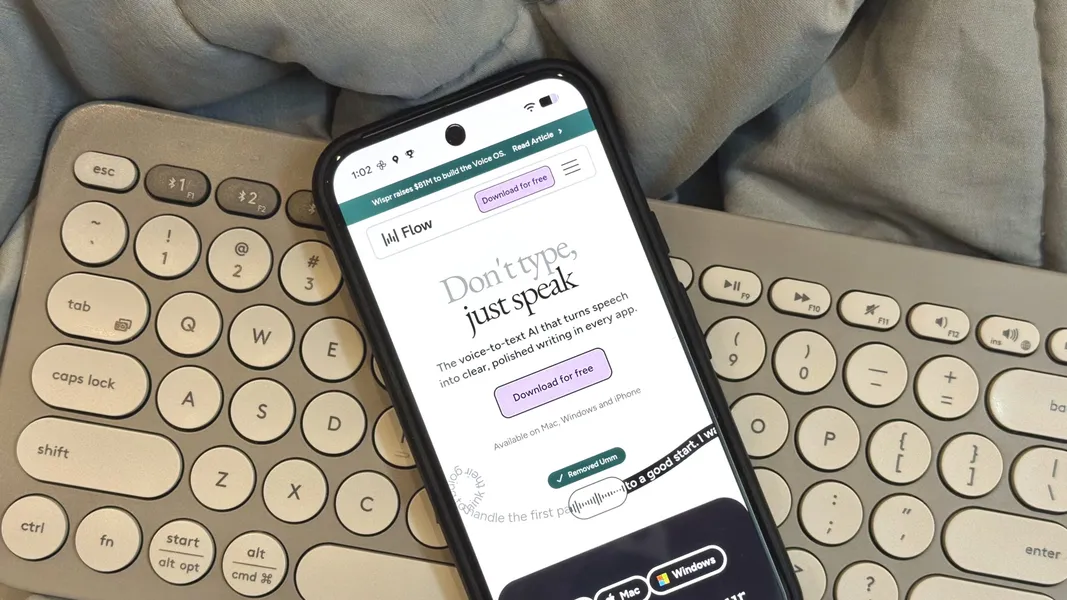
Wispr Flow Notetaker is now available on Mac as a Granola-styled meeting notetaker that uses system audio instead of joining a call as a participant. For AI builders, the important change is the move from dictation and raw meeting transcripts toward a context layer that can support follow-up work, search, and agent workflows.
Wispr Flow Notetaker turns meetings into working context
Notetaker provides live transcription, then creates summaries, decisions, timelines, and action items after the meeting. It also offers a catch-up feature for users who miss part of a call and supports cross-meeting search across prior meetings, messages, and emails, with links back to relevant source material.
That is a more useful product target than simply storing a transcript. A founder might use it to find the last decision about a customer request, while a product team could turn a discussion into a draft follow-up without manually reconstructing who agreed to what. Speaker attribution is particularly important here: an action item assigned to the wrong person can be worse than no action item at all.
The technical design matters to builders
Notetaker transcribes on-device and does not appear as a bot in the meeting participant list, according to the launch coverage. It is designed to work with Zoom, Google Meet, Microsoft Teams, and Slack Huddles when audio is available.
The product also connects to calendars and apps such as Slack for pre-meeting briefings and better contextual summaries. Wispr says it reprocesses the full meeting after the call, using that additional context to improve meeting transcripts, speaker attribution, decisions, dates, and action items. Those are product claims, so teams should validate accuracy on their own terminology and meeting patterns before trusting automated follow-up.
For builders, MCP integration is the more interesting extension point. Notetaker can send transcripts and notes into MCP-compatible workflows involving ChatGPT, Claude, Cursor, or custom agents, rather than keeping meeting knowledge inside a standalone dashboard. This makes meeting data usable as an input to research, CRM updates, project tracking, or internal assistants, provided access controls are configured carefully.
What changes in practice
The pre-meeting briefing and post-meeting synthesis create a workflow around the call, not just a recording of it. That could reduce preparation and documentation work for small teams, but the quality of the result depends on calendar permissions, connected data, speaker identification, and how aggressively humans review generated actions.
Notetaker is Mac-only at launch, with a Windows version in development and no mobile availability yet, according to reporting on the rollout. Wispr Flow also offers one-click migration for users coming from Granola.
Privacy deserves equal attention. Wispr Flow updated its terms to define Meeting Data as potentially including audio, participant information, metadata, transcripts, and speaker labels, with AI-generated summaries and insights among the outputs. The supplied reporting does not establish retention, residency, consent handling, or enterprise controls, so teams should review the current policy before processing sensitive calls.
For an AI product team, the decision rule is straightforward: test Notetaker if you need searchable meeting context that can flow into other agents. Do not treat speaker attribution or action items generation as reliable automation until your own review process shows that names, commitments, and source links are consistently correct.
Sources
- Wispr Flow launches a Granola-styled meeting notetaker
- The AI dictation app everyone is talking about just got a powerful new Notetaker
- Wispr Flow takes on AI meeting assistants with Notetaker, its first product beyond dictation
- Wispr Flow Introduces Granola-Styled Meeting Notetaker
- AI Notetaker: Wispr Flow Enters Meeting Recording
- Wispr Flow turns meeting audio into searchable action... — for(geeks)
- Wispr Move launches a Granola-styled assembly notetaker
- Wispr Flow launches a granola-styled meeting notetaker
- The AI Notetaker Has Been Invited to All the Meetings
- Wispr Flow launches Mac AI notetaker using system audio
- Notetaker | Wispr Flow
- Wispr Flow is building a meeting notetaker - by Ivan Mehta
- Wispr Flow launches a granola-styled meeting notetaker
- Wispr Flow Set to Revolutionize Meetings with Innovative Notetaker
- Wispr Flow Set to Enter AI Meeting Notetaker Market - CIOLook Media