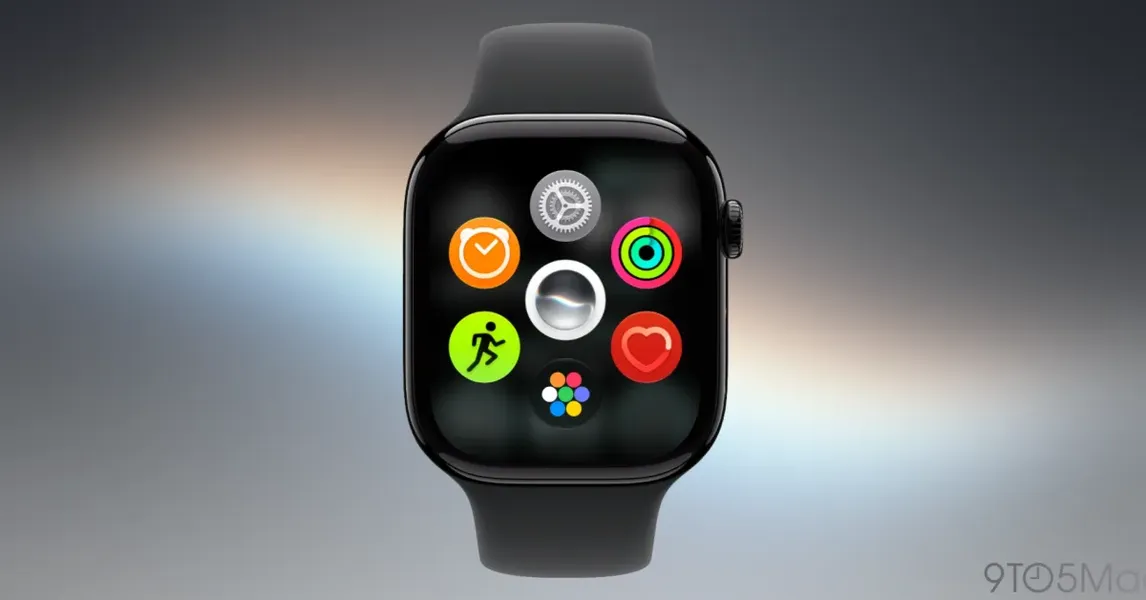
Siri AI on Apple Watch finally works in watchOS 27 beta 8 after two months of unusable performance
Published by AINave Editorial • Reviewed by Ramit
Siri AI on Apple Watch had a rough beta summer. For two months, the assistant was slow, unresponsive, and often failed at basic tasks like setting timers or controlling HomeKit. Then watchOS 27 beta 8 arrived, and according to one detailed account, the experience flipped from "hold off on updating" bad to genuinely useful. If this improvement holds for the general release, it marks the first time Apple Watch can function as a standalone AI wearable without leaning on the iPhone.
Two months of broken Siri, then a sudden fix
Throughout July and August, Siri AI on Apple Watch in watchOS 27 beta was remarkably unreliable. Setting a timer required subtracting 30 seconds from the intended time just to account for Siri's lag. Controlling HomeKit accessories was terribly slow. Even routine tasks like starting a workout or sending a text were hit or miss. The author of the 9to5Mac piece expected Apple to pull Siri AI from beta 8 entirely. Instead, beta 8 brought a night-and-day improvement: all the summer issues appeared fixed, with Siri responding quickly and reliably for alarms, reminders, timers, HomeKit control, and messaging.
What this means for wearable AI and on-device assistants
For AI builders, this is a case study in how critical end-to-end latency is for assistant experiences on constrained devices. The Apple Watch has limited compute and battery, so any AI inference must be fast enough to feel immediate. The fact that Apple managed to fix the performance in a single beta suggests the bottleneck was software optimization, not hardware. If Siri AI on Apple Watch can consistently answer knowledge questions and execute actions without the iPhone, it opens up a new category of ambient AI interactions: hands-free queries during workouts, quick HomeKit adjustments while cooking, or answering a child's question without pulling out a phone.
What actually works now and what doesn't
The improved Siri AI handles the core watch tasks: setting alarms, creating reminders, starting timers, controlling HomeKit accessories, sending texts, and answering knowledge questions. The author specifically highlights how useful it is for getting answers to curious questions without needing the phone. One lingering quirk: double-clicking the Digital Crown no longer jumps between recent apps. That gesture may be repurposed in a future watchOS 27.1 update, but for now it's a missing shortcut on a device with limited physical inputs.
Caveats: beta variance and unresolved quirks
All of this comes from a single user's experience on beta 8. Results may vary across different Apple Watch models, usage patterns, and network conditions. The author is cautious about declaring the issues fully resolved for everyone. Additionally, the Digital Crown gesture change is a reminder that watchOS 27 is still in beta, and further refinements or regressions could appear before the public release. If you're building for the Apple Watch ecosystem, treat this as a promising signal but wait for the stable release before relying on Siri AI performance.
FAQs
Sources
- We need to talk about Siri AI for Apple Watch
- Apple Intelligence and Siri - Apple
- How to Enable Text to Talk on Apple Watch | TikTok
- cnbc.com/2026/01/12/apple-google-ai-siri-gemini.html
- Can Apple finally make an assistant that works with Siri AI?
- Siri AI vs. old Siri on Apple Watch: It wasn't even close
- iOS 27 beta 3 changes, Siri AI on Apple Watch, macOS Golden Gate features
- I tested the new Siri AI in watchOS 27 beta. It had me feeling like a secret agent
- WWDC26: Apple Unveils New ‘Siri AI’ After Years of Delays
- Live Updates From Apple WWDC 2026
- Apple Intelligence Delay Isn't a Failure — The Problem Is... - YouTube
- Apple's Long-Awaited Siri AI Is Finally Here. These 12 Tips Make It...
- Apple opens its new Siri AI to everyone with the iOS 27 public beta
- Siri Ai Apple Watch | TikTok
- Siri AI On Apple Watch: Latest WatchOS 27 Beta 3 Update