Gemini's free Nano Banana 2 image generation goes live for US users via Personal Intelligence
Published by AINave Editorial • Reviewed by Ramit
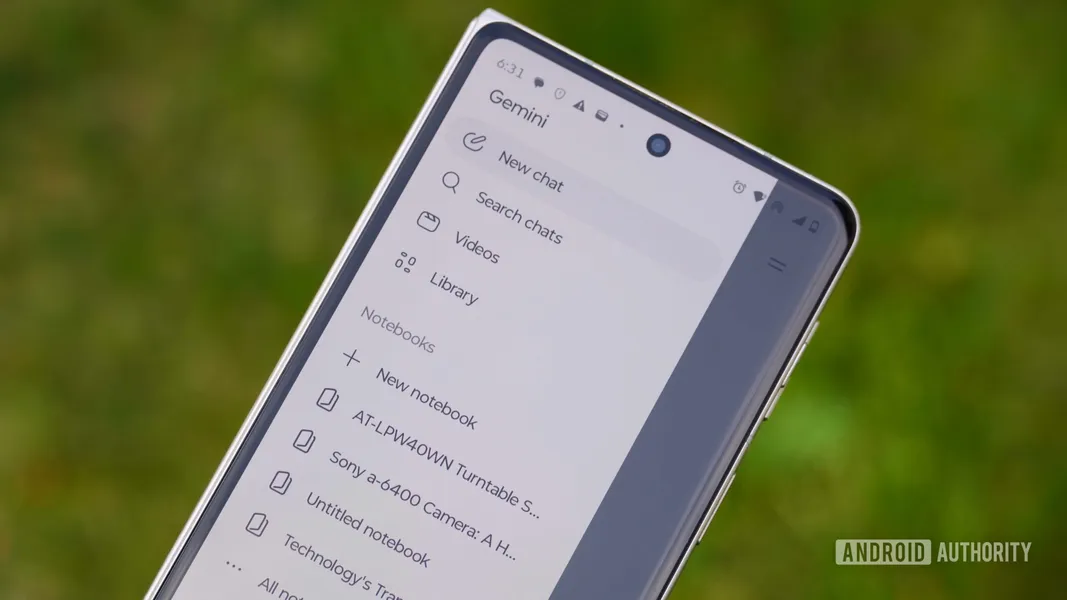
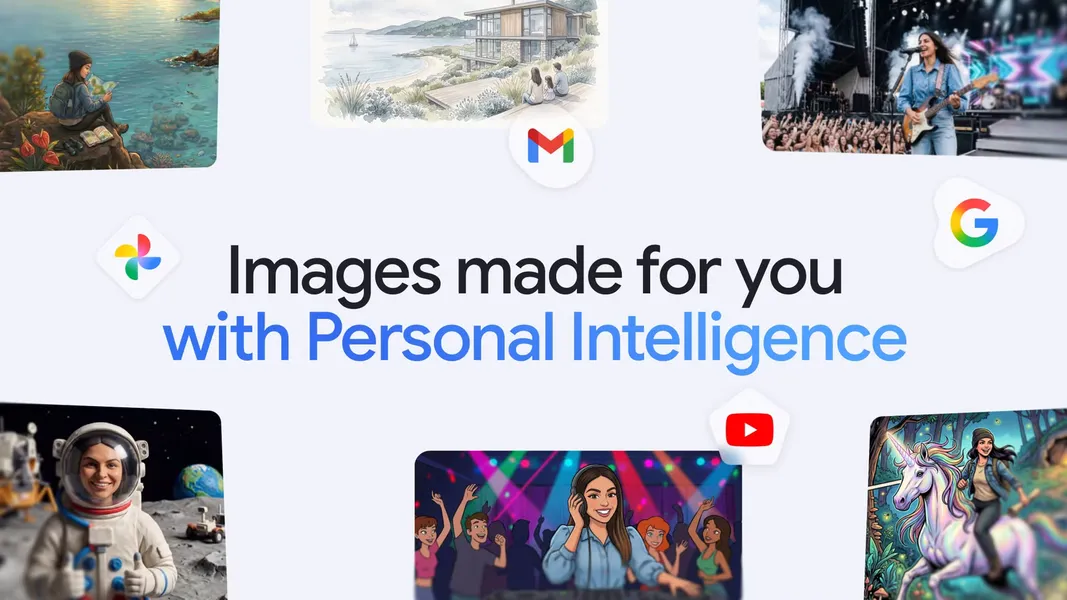
Google has made Gemini's Nano Banana 2-powered image generation free for all US users through the Personal Intelligence feature, which connects to Google Photos, Gmail, and Search to personalize outputs. The feature was previously limited to AI Pro and Ultra subscribers but is now available at no cost with opt-in consent.
What happened
Starting today, US users can use Nano Banana 2 with Personal Intelligence for free. This allows Gemini to generate images using context from your Google Photos library. For example, if you ask Gemini to "design my dream house," it can use photos of your existing home, preferences, and interior decor to create a personalized image. It can also identify people, pets, and places from your library using labels and tags, so you can describe an idea in plain English and let Gemini fill in the details without uploading new references.
Google says it does not train its AI models on your Google Photos library. Only the prompts you enter are used to refine image generation. The feature is opt-in, so you can disable Personal Intelligence if you prefer not to share data.
Why AI builders should care
For product teams building AI features that rely on personalization, this launch demonstrates a pattern: opt-in data access combined with clear privacy promises can reduce user friction. Gemini's approach uses existing user data from Google services to generate contextually relevant images without requiring users to upload new reference photos. This lowers the barrier for casual users and could influence how you design consent flows and onboarding for similar features.
The integration with Gmail, Photos, and Search also shows how tying AI to a user's existing data ecosystem can improve output relevance. Teams building AI assistants or image generation tools should consider how to leverage user-provided context while maintaining trust through transparent data policies.
Practical implications
If you are building a product that uses personalization, this feature highlights the importance of opt-in consent and clear data usage statements. Users can enable Personal Intelligence to get tailored image outputs, but they can also disable it at any time. For developers, this means designing onboarding flows that explain what data is accessed and how it is used, without requiring users to upload new content.
The ability to infer context from existing photos and labels means faster, more relevant outputs. For example, a user could generate a birthday card featuring their pet without having to upload a photo of the pet. This pattern could be applied to other domains like travel planning, interior design, or social media content creation.
Caveats
The feature is currently limited to US Google users and requires opt-in. Google's statement that it does not train AI models on user photos is a privacy claim, but builders should note that prompts are still used to refine the generation model. The feature's availability outside the US has not been announced. Additionally, the system relies on Google Photos labels and tags, which may not be accurate for all users or languages.
FAQs
What is Gemini's image generation feature?
Gemini can generate images using the Nano Banana 2 model combined with Personal Intelligence, which personalizes outputs based on data from Google services like Gmail, Photos, and Search. The system uses context from your Google Photos library to infer people, pets, and places without requiring you to upload new reference images.
Is Gemini's image generation free in the US?
Yes, the feature is now free for US users. Previously limited to AI Pro and Ultra subscribers, it is available starting today with opt-in required.
How does Gemini use Google Photos to personalize images?
Gemini uses context from your Google Photos library, including labels and tags, to understand visual cues such as people, pets, and places. For example, you can ask Gemini to generate an image of you and your dad in a swimming pool, and it will identify your dad from your library and create the image without you uploading a photo.
Do prompts or my photos train Gemini's models?
Google states it does not train its AI models on your Google Photos library. Only the prompts you enter are used to refine image generation. The feature remains opt-in, so you can disable Personal Intelligence if you prefer not to share data.