Google Pics brings AI image editing to Workspace, aiming to kill the 'prompt-and-pray' workflow
Published by AINave Editorial • Reviewed by Ramit
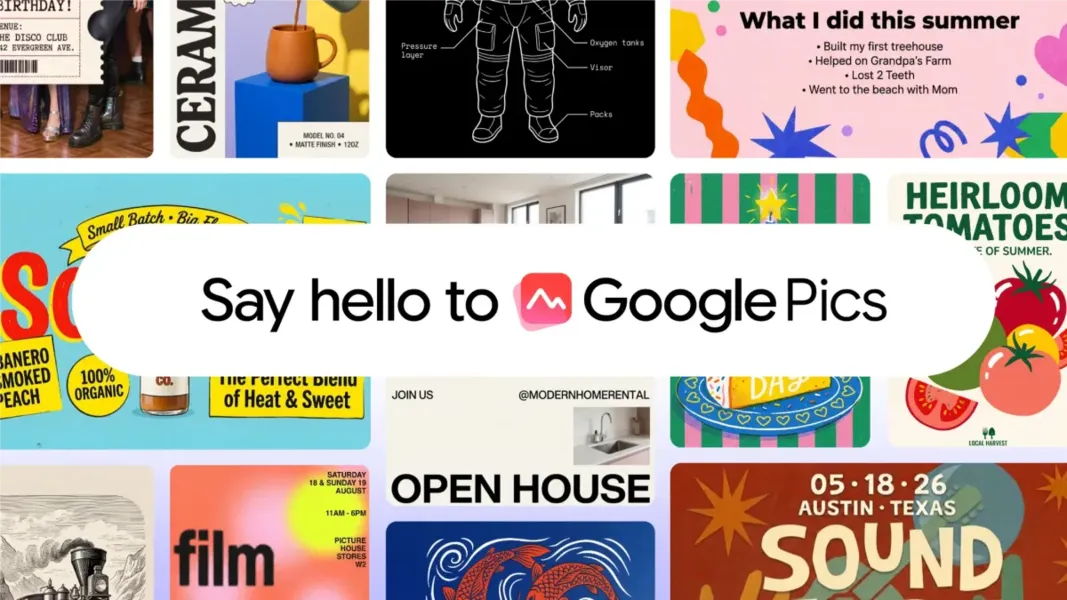
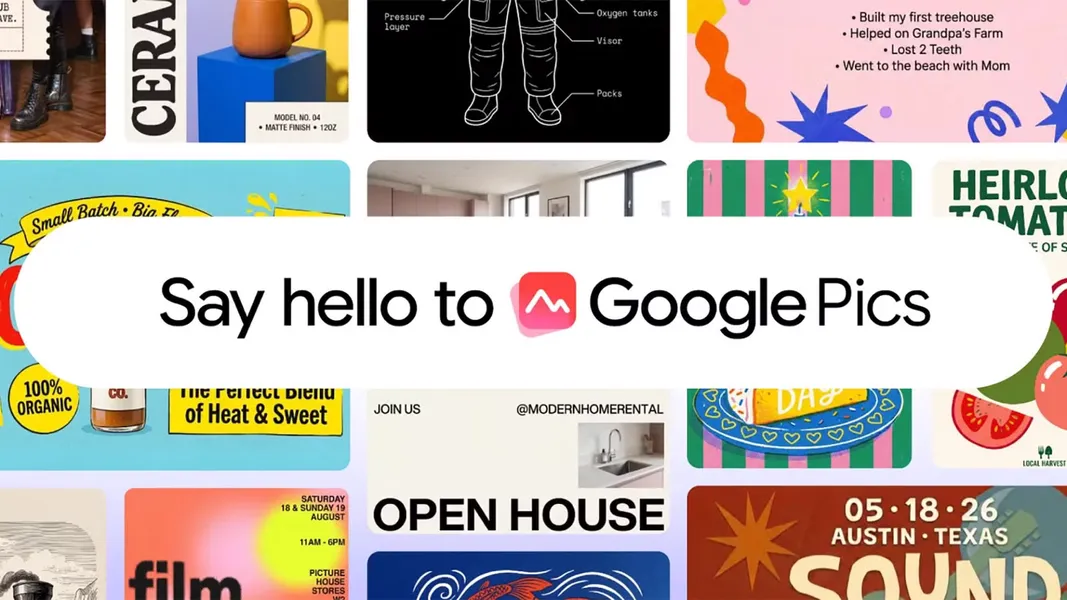
Google Pics, a new AI-assisted design tool announced at Google I/O 2026, is now rolling out as a standalone app and a deep integration with Google Workspace. It shifts AI image generation from guesswork to precise editing, with object segmentation and in-design text translation. For builders and product teams working inside Google's ecosystem, this changes how teams generate and iterate on visuals without leaving Drive or Slides.
What Google Pics actually does
Google Pics lets you create images from a text prompt or upload existing visuals from Google Drive, Google Photos, or your local device. The key difference from typical AI image generators is that you can then edit specific parts of the generated design: move, resize, or delete elements using object segmentation. Google describes this as "no more 'prompt-and-pray'" - the tool gives you controls to refine the output instead of generating new versions blindly. Text can also be translated within the design, enabling multi-language projects across Drive and Slides. The feature set is focused on practical editing, not unlimited design freedom.
Pics is available now for Workspace customers on Business Standard, Business Plus, Enterprise Standard, and Enterprise Plus plans, as well as Google AI Pro for Education, and Google AI Pro and Ultra subscribers. It works as a standalone app at pics.new and is integrated with Drive and Slides at launch, with Docs support planned for the future. [Availability details](https://www.androidpolice.com/google-pics-promises-an-end-to-prompt-and-pray-ai-graphic-design/)
Why this matters for builders building AI products
For teams building AI-powered workflows, Google Pics is a case study in embedding controlled generation inside productivity tools. The object segmentation and in-design editing directly address the frustration of "prompt-and-pray" - a pattern where users accept whatever the model outputs because they have no way to adjust it. Builders who integrate AI image generation into their own products should note that Google is betting on post-generation editing as the differentiator, not better prompts.
The multi-language text translation feature also has practical implications for product teams that need to localize marketing materials or UI mockups. Instead of generating separate designs for each language, you can modify text within the same image. This reduces manual work for global teams. The translation is built into the design flow, not as a separate step.
Practical implications for product teams
If your team relies on Google Workspace, Pics could streamline the design-to-presentation pipeline. A designer or marketer can generate a visual, edit it in Pics, and drop it directly into Slides without switching tools. For admins, availability depends on the Workspace plan: Business Standard and above, plus AI Pro/Ultra tiers. The rollout is gradual over the next few weeks, so not all eligible accounts will see it immediately. Plan coverage is specific, and regional variations may apply.
For developers building AI design tools, Pics competes with Canva and Adobe Express, but Google explicitly positions it as a productivity complement rather than a full creative suite. The parent article notes that Pics does not offer the same design freedom as Canva, where AI is optional. That means it's best suited for quick, iterative visual work inside the Workspace ecosystem, not for producing complex, pixel-perfect graphics.
What's still unclear
Several details remain unconfirmed by the available sources. The underlying model powering Pics has been reported as "Nano Banana 2" by outlets like TNW, but that claim is not independently verified and the parent article does not mention it. We have omitted that detail. Specific usage limits, pricing tiers, and data retention policies are not disclosed in the provided context. The Docs integration timeline is also vague. For now, builders should treat Pics as a useful addition to the Workspace toolkit for everyday visual tasks, but not a replacement for dedicated design tools when precision is required.
The article emphasizes that feature specs and availability may vary by plan and region. If you are evaluating Pics for your team, check your Workspace admin console for rollout status.
FAQs
Sources
- Google Pics promises an end to "prompt-and-pray" AI graphic design
- Google Pics is the first AI image tool that actually ... - MSN
- Google announces Pics, a Workspace-native AI image ... - TNW
- Google News - Technology - Latest
- Google Pics: Canva with enhanced AI features - MSN
- Beyond Prompt-and-Pray – O’Reilly
- Google Pics: la herramienta de diseño gráfico que compite con Canva y Adobe Express - KCH FM
- Google Pics es la nueva app para diseñar y editar imágenes con ayuda de IA - Infobae
- Google Pics can create and edit Images with AI, but can it replace Canva?
- Canva को टक्कर देने आया Google का Pics टूल, फोटो एडिटिंग से ग्राफिक्स तक सब होगा आसान