Google Pics: AI-prompt design enters the Workspace as a Canva rival
Published by AINave Editorial • Reviewed by Ramit
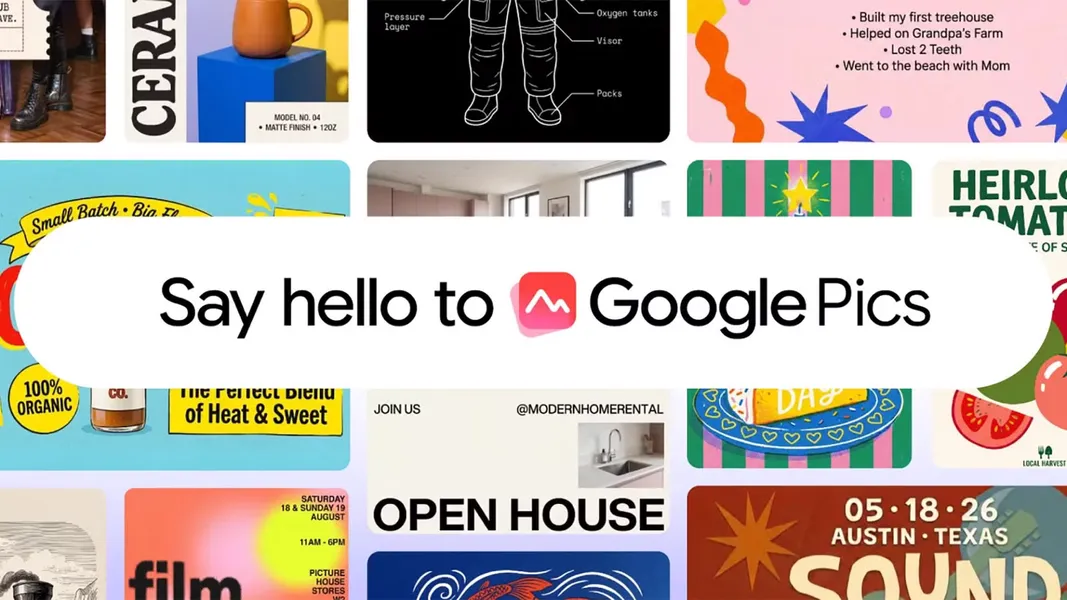
Google is embedding an AI-first design tool directly into its productivity suite. Google Pics lets Workspace users generate and edit images by describing what they want, rather than dragging templates around. For teams that already live in Docs and Slides, this could reduce the friction of creating visuals for internal decks, social posts, or marketing materials.
What Google Pics does differently
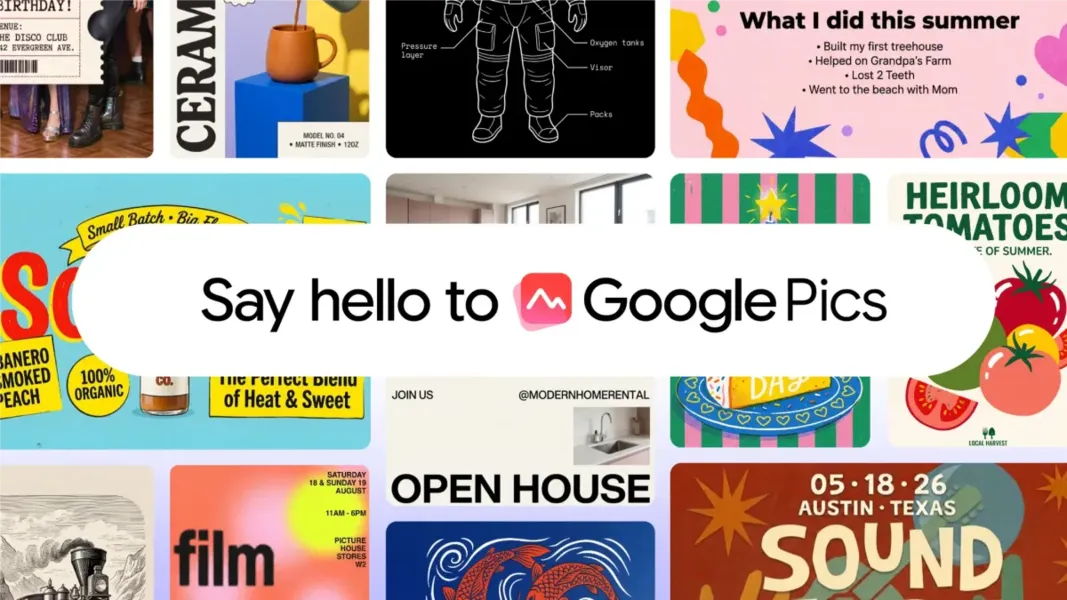
Google Pics is powered by the Nano Banana image-generation model and is designed for everyday design tasks. You prompt to create a poster, a social graphic, or an illustration, and the tool returns several generations to choose from. Editing capabilities include isolating and transforming objects, modifying or translating text inside images, and collaborative editing where multiple people can work on the same generation.
The initial integration is in Google Docs and Slides, with Google Drive support coming later. Unlike Canva or Adobe Express, there is no marketplace of templates or creator royalties. Google Pics is a prompt-to-design tool, not a design marketplace.
Why this matters for AI builders
For product teams and developers building AI-powered workflows, the key signal is how Google is embedding generative design into an existing enterprise platform. Instead of requiring users to switch to a separate design app, Pics brings image generation into the document itself. This reduces context-switching and makes it easier to automate visual asset creation within a team's existing collaboration flow.
If Google eventually exposes Pics capabilities through APIs or Workspace add-ons, builders could integrate prompt-based image generation directly into their own tools. The collaborative editing and multi-generation features also hint at how Google thinks about AI-assisted teamwork: generate several options, pick the best one, and iterate together.
Practical implications for teams
Teams that already use Workspace for internal communications, proposals, or client-facing materials can now generate visuals without leaving their documents. A product team drafting a feature announcement in Docs can prompt for a hero image alongside the text. A marketing team building a slide deck can generate social graphics in the same tool.
The editing features, particularly object isolation and text translation, add practical utility for localization and asset refinement. The ability to generate multiple versions of an image and collaborate on them directly in the document is a workflow improvement over exporting and re-importing assets.
Caveats to watch
The rollout is ongoing over the coming weeks and may vary by Workspace tier and region. Not all customers will see Pics immediately. The source also notes that the AI was trained on artists' work, which raises ongoing copyright and licensing considerations for enterprise use. Google has not detailed the training data or indemnification policies for generated content.
Additionally, Pics is a prompt-based tool, not a full design suite. Teams that need precise layout control, brand template libraries, or vector editing will still need Canva or Adobe Express. Google Pics is best understood as a convenience layer for quick, AI-generated visuals within the Workspace ecosystem.
FAQs
Sources
- Google’s answer to Canva is an AI tool where you prompt instead of design
- Google's answer to Canva is an AI tool where you prompt instead...
- Need a poster? Google's new AI tool wants you to describe it instead...
- Google Pics: AI Image Editor Launches as Canva Rival
- Google только что создал ИИ, где ты пишешь промпты... - YouTube
- Google Pics: Google's New AI Prompt-to-Design Tool Takes on...
- Google’s answer to Canva is an AI tool where you prompt instead of design
- I've tested dozens of AI tools — these 3 are the only ones that actually spark m...
- I’m a Writer and Creative, and These Are the AI Tools I Actually Use on PC
- AI Essentials: 29 Ways You Can Make Gen AI Work for You, According to Our...
- Google’s AI strategy is finally coming into focus
- Canva launches inside Google Gemini, completing its push to be the design layer for every major AI assistant
- At Canva Create, the Company Declares Its Design-Tool Era Is Over
- Canva Brings On-Brand, Editable Design into Google Gemini
- Canva now integrates with your work apps so you can get more done without leaving the platform