
Onestudio
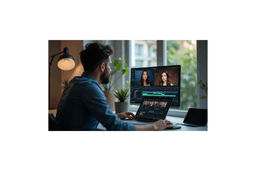
How to Blur Faces in a Video Before Posting It Online
About Onestudio
What Onestudio does
AINave analysisCreates, generates and edits AI video and images in one hosted studio.
- Best for
- Video creatorsMarketers producing video ads
- Use it to
- Generating video from text prompts
- Casting AI characters for video
- Creating AI images
- Editing generated video
- Producing ad creative
Show you're on AINave
Add the badge to Onestudio's site. It links back to this page.
Alternatives to Onestudio
See all 15 alternatives- 1
 LuxoretSame job
AI creative platform with 400+ built-in tools
Pick it if you also need voiceovers, lip sync, photo retouching or virtual try-on alongside video, or want node-based automated pipelines. This is a paid tool.
- 2
 LumiYingSame job
All top AI video and image models in one workspace
Pick it if you want to animate still images, extend existing clips, or compare outputs across several AI models in one workspace. Its usage is credit-based and paid.
- 3
 Wandura AISame job
AI studio for short films, ads and images
Pick it if you want shot-level camera, lens and tempo controls with character consistency, and you prefer paying per generation with the cost shown before creation.