Gemini Notebook switches to compute-based usage limits with five-hour refresh
Published by AINave Editorial • Reviewed by Ramit
Gemini Notebook is moving from fixed daily feature quotas to compute-specific usage limits that refresh every five hours. For AI builders, this means more predictable budget control and the ability to defer expensive outputs like Video Overviews and Slide Decks when limits are reached.
Compute-based limits replace daily quotas
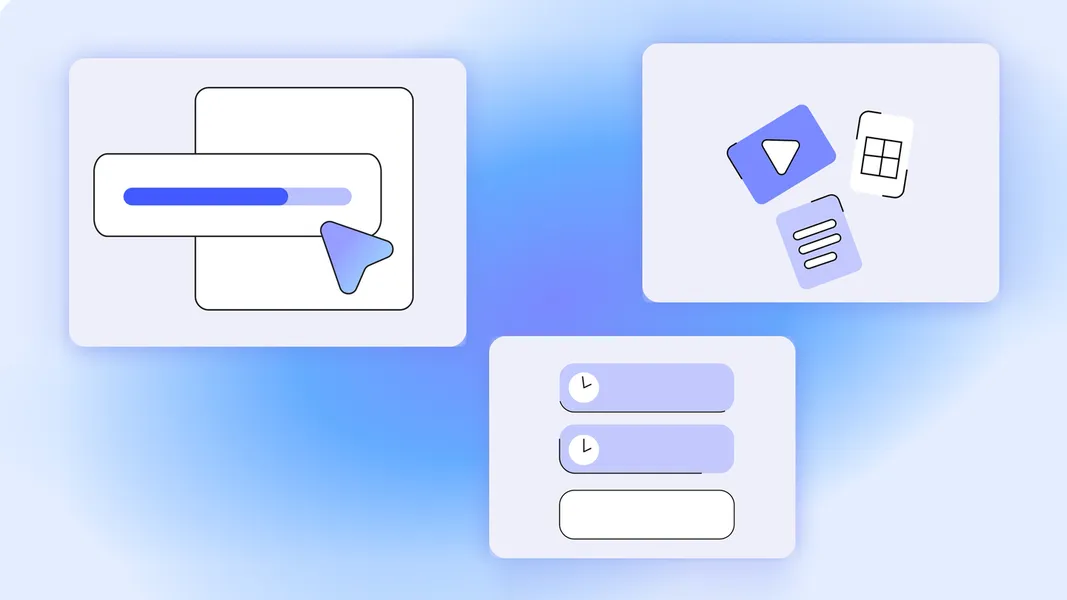
Starting September 2, 2026, Gemini Notebook adopts a system similar to the Gemini app. Limits now factor in prompt complexity, chat length, number of sources, and the features you use. The notebook shows a status indicator under the chat and an AI-cost bar in Studio generations to signal expected cost. Limits refresh every five hours instead of daily, allowing continuous work throughout the day.
Previously, users had a set number of feature generations per day based on their Google AI tier. A single complex generation could consume multiple quota units with no advance warning. The new system provides transparency and flexibility.
Cost visibility and deferral change how you plan work
For builders, the key improvement is budget control. The AI-cost bar helps estimate whether a generation will fit within the current limit. If a requested output would exceed the limit, Gemini Notebook suggests alternative outputs or offers a "Generate later" option. Intensive outputs like Video Overviews or Slide Decks can be deferred and will auto-generate once the limit resets, with notifications when ready.
This deferral feature is useful for long-running research sessions or automated pipelines. Instead of hitting a hard cap and losing progress, you can queue up heavy tasks and come back to them later.
Plan around five-hour windows and use deferral strategically
The five-hour refresh cycle means you can plan your most compute-heavy work at the start of a window. If you are processing large source sets or generating multiple Slide Decks, you can stagger them across refresh cycles. The cost bar helps you decide whether to proceed with a full generation or choose a lighter alternative.
The deferral option also enables a "fire and forget" pattern for batch tasks. You can initiate several Video Overviews, let them defer if needed, and receive notifications when they complete. This reduces the need to monitor limits manually.
Consumer-only rollout and unknown enterprise timeline
The update applies to consumer accounts on web and mobile. There is no mention of enterprise or Google Workspace plans yet. The specific compute limits per five-hour window are not disclosed, so builders may still encounter unexpected caps. The deferral feature for Video Overviews and Slide Decks is coming first to web, with mobile support to follow. As with any new system, the behavior may evolve based on user feedback and further updates from Google.
FAQs
Sources
- We’re introducing flexible usage limits for Gemini Notebook.
- Gemini Notebook switching to compute-based usage limits, like Gemini app
- Gemini Notebook - Wikipedia
- We’re introducing flexible usage limits for Gemini Notebook.
- Gemini users are frustrated by new usage limit changes
- Google Gemini Introduces 6 Improvements to Usage Limits
- Gemini users, beware! Google's new 'token system' is draining entire data limits in minutes
- 5 VS Code alternatives optimized for specific jobs
- The fastest way to hit Google AI Pro limits (and how to avoid it)
- Upgrade Gemini Notebook - Gemini Notebook Help
- Gemini Notebook | AI Research Tool & Thinking Partner
- Gemini Apps limits & upgrades for Google AI subscribers - Gemini...